Analyze Inventory Across Multiple E-commerce Channels Without Traditional Spreadsheets Freezes
5/15/2026
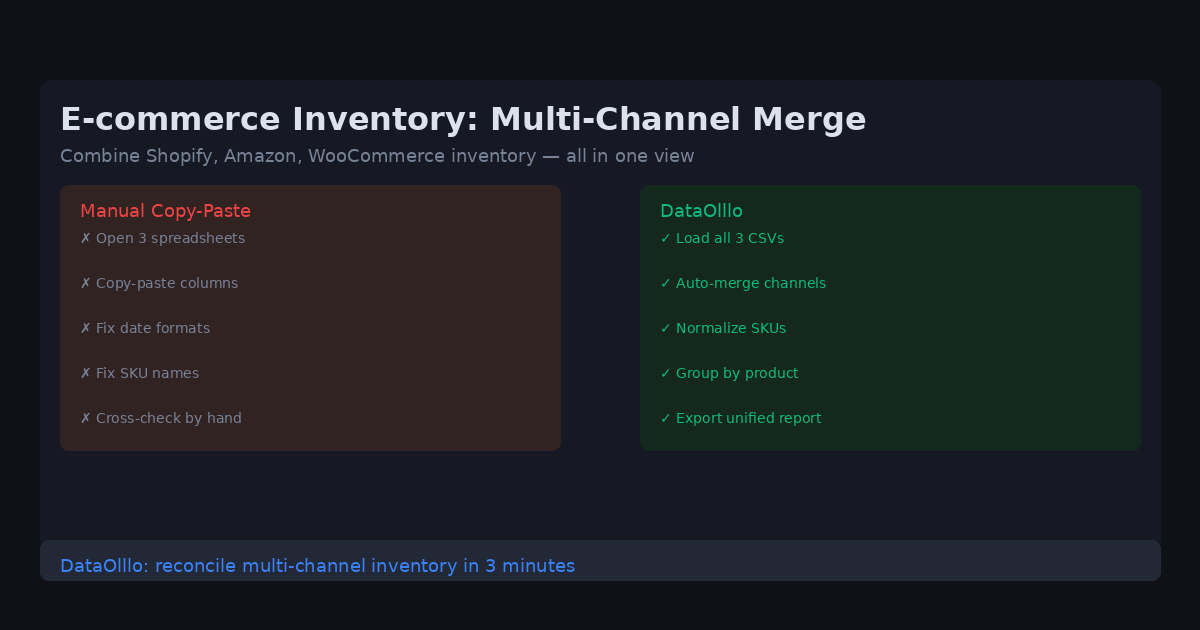
E-commerce operations teams manage inventory across multiple sales channels. Every week, you need to reconcile inventory levels from Shopify, Amazon, and WooCommerce — three platforms, three different export formats, and thousands of SKUs to track.
The Problem
A typical multi-channel inventory workflow: download the Shopify inventory CSV, download the Amazon inventory CSV, download the WooCommerce CSV, open all three in traditional spreadsheets, try to align columns (Shopify uses its own SKU format, Amazon uses a different one), identify which products are low stock across all channels, and update accordingly.
This process takes hours every week. And every time a new product is added or a platform changes its export format, the spreadsheet breaks.
Why It Happens
Each e-commerce platform exports inventory data in its own format: different column names, different SKU naming conventions, different units of measure. Amazon might report inventory in units while Shopify reports in units as well but uses different SKU codes. Traditional spreadsheets can handle one format at a time — merging three formats requires hours of copy-paste and formula work.
Practical Workflow
Step 1: Download all inventory exports Download the current inventory CSV from each platform: Shopify, Amazon, WooCommerce. Save them to a single folder.
Step 2: Load all exports into DataOlllo Use Directory Mode to load the entire folder at once. DataOlllo reads all three CSV files and displays them side by side.
Step 3: Normalize SKU and inventory columns Use DataOlllo's column management to standardize SKU names across all three exports. Map Amazon's SKU codes to Shopify's format, align the inventory quantity columns, and standardize product naming.
Step 4: Merge into one inventory view Combine the normalized exports into a single consolidated inventory dataset. Now you can see all products across all channels in one table.
Step 5: Identify low-stock items Filter to products where total inventory across all channels falls below your threshold. Export the low-stock report to use for reordering.
When to Use DataOlllo
- Multi-channel inventory reconciliation: Shopify, Amazon, WooCommerce — DataOlllo handles them all in one consolidated view.
- Large inventory datasets: Thousands of SKUs across multiple platforms — DataOlllo processes them without the spreadsheet crashes that make this workflow unbearable.
- Recurring inventory checks: Set up Directory Mode to run the same reconciliation every week automatically.
Next Step
Download DataOlllo and try merging your Shopify and Amazon inventory exports. See your full multi-channel inventory in one view for the first time.