Clean Affiliate Commission CSV Exports Before Monthly Partner Payout Review
6/18/2026
Clean Affiliate Commission CSV Exports Before Monthly Partner Payout Review
Affiliate payout review sounds straightforward until three different exports disagree. One file has approved conversions, another includes reversals, a third contains stale partner names, and the monthly review starts with a debate about which rows are even eligible for payment.
DataOlllo gives partner operations teams a local-first way to clean those exports before the payout meeting. The goal is not to automate away judgment. The goal is to remove avoidable noise so the team can focus on true payout decisions.
Where Commission Exports Usually Break
| Export | Common issue | Review question |
|---|---|---|
| Conversion log | Pending and approved conversions mixed together | Which rows are actually payable this month? |
| Reversal file | Reversals arrive after the original conversion month | Should the reversal reduce current payout or historical performance only? |
| Partner directory | Territory or account owner changed mid-month | Which partner record should receive the payout? |
| Bonus plan file | Temporary promotions overlap standard commission rules | Which rate takes precedence? |
Commission logic becomes hard to trust when these files are reviewed in isolation.
A Reliable Monthly Review Sequence
- Open the conversion, reversal, partner, and bonus-plan CSV exports locally.
- Standardize key fields such as
partner_id,conversion_id,conversion_date,approval_status,region,base_commission, andbonus_amount. - Separate rows into approved, pending, reversed, and exception groups.
- Join partner records to the approved commission rows using one current reporting key.
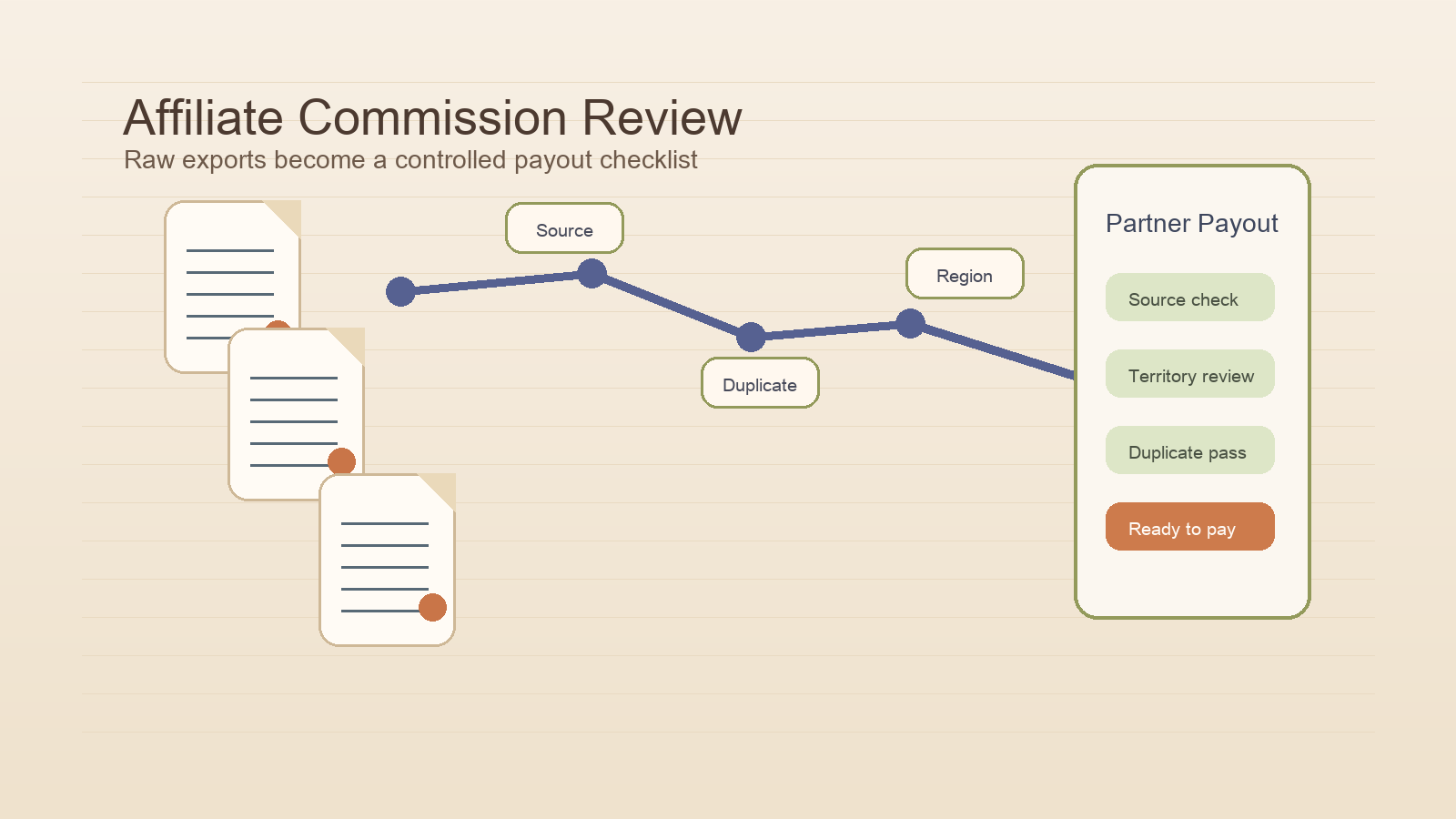
- Create an exception view for duplicates, missing partner mappings, and suspicious regional changes.
- Export one payout review table and one exception table.
This keeps the monthly payout discussion grounded in row-level evidence instead of email threads and partial screenshots.
Example Partner Review Table
| Partner | Approved conversions | Reversals | Bonus amount | Net payable | Review note |
|---|---|---|---|---|---|
| North Coast Media | 142 | 4 | $680 | $8,940 | Ready |
| Harbor Performance | 91 | 11 | $0 | $4,120 | Review reversal timing |
| Summit Growth | 77 | 1 | $220 | $3,510 | Ready |
| Eastline Partners | 65 | 0 | $410 | $2,980 | Missing region update |
Exception Checklist
| Check | Why it matters | Suggested action |
|---|---|---|
| Duplicate conversion ID | Prevents paying the same referral twice | Keep one approved source row |
| Region mismatch | Affects attribution and ownership | Confirm the valid territory mapping |
| Negative net commission | Reversals exceed current approvals | Route to manual finance review |
| Missing partner ID | Blocks clean payout routing | Resolve against master partner file |
| Bonus overlap | Same conversion hits two incentive rules | Keep one approved commission method |
Text-Based Approval Funnel
Partner payout review

Raw commission rows      ██████████
Approved-only rows       ████████░░
Duplicate pass           ███████░░░
Partner mapping clean    ███████░░░
Monthly payout ready     █████████░
What Makes This Review Easier
The partner team should be able to answer three questions quickly:
- Which conversions are payable now?
- Which rows are excluded and why?
- Which partners need manual follow-up before payout approval?
If the export set does not answer those questions clearly, the payout process will stay slow no matter how good the commission policy is.
Common Mistakes
- Keeping pending and approved conversions in the same payable view.
- Letting partner name changes create duplicate partner records.
- Applying temporary bonuses without a visible rule priority.
- Treating reversals as a footnote instead of a defined review category.
When This Workflow Fits Best
Use it when monthly partner payouts depend on several CSV exports, the commission logic changes by region or promotion, or the business needs a repeatable audit trail before money is released.
Download DataOlllo
If partner payout review is getting crowded with duplicate rows and conflicting exports, try the cleanup locally with DataOlllo: download DataOlllo.