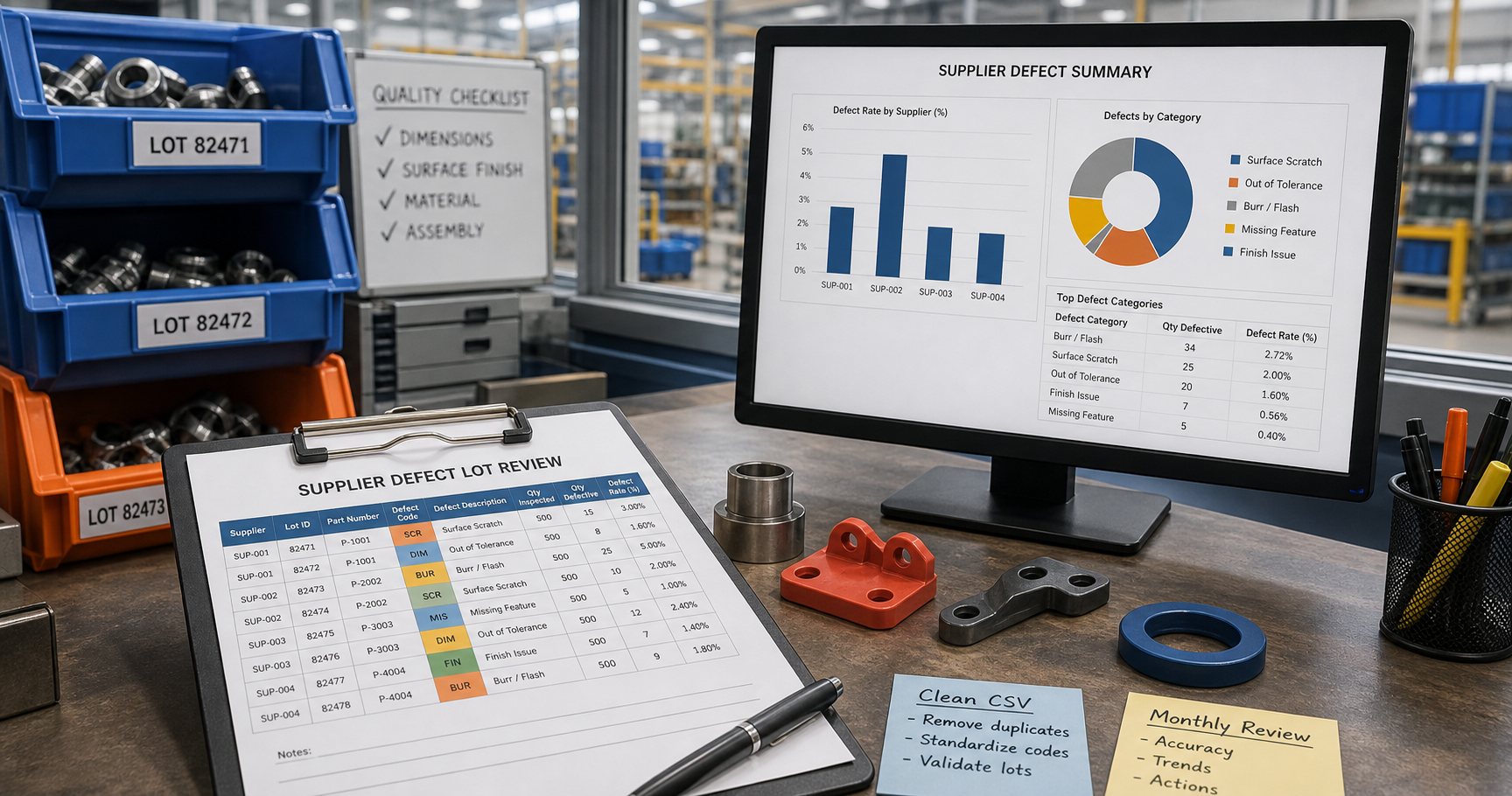
Clean Supplier Defect Lot CSV Files Before a Monthly Supplier Quality Review
6/20/2026
Clean Supplier Defect Lot CSV Files Before a Monthly Supplier Quality Review
Supplier quality meetings often become less useful than they should be because the defect evidence is scattered across inspection logs, receiving records, supplier responses, and lot-level traceability files. Everyone can tell there is a problem, but no one trusts the counts enough to agree on corrective action.
DataOlllo helps manufacturing teams clean those CSV exports locally so the monthly supplier review starts from one usable defect file instead of four partially aligned reports.
Why Lot-Level Reviews Drift
| File | Typical mismatch | Review impact |
|---|---|---|
| Incoming inspection log | Defect names differ by inspector or line | Trends split into too many categories |
| Receiving record | Lot or PO formatting is inconsistent | Traceability back to the supplier is weaker |
| Supplier response tracker | Corrective action status is stored separately | Open issues are hard to summarize |
| Scrap or rework file | Quantity impact is measured differently | Severity discussion becomes subjective |
If the lot key is unstable, the review quickly turns into debate about data quality rather than discussion about supplier performance.
A Practical Monthly Cleanup Sequence
- Open the inspection, receiving, supplier-response, and scrap-impact CSV exports locally.
- Standardize fields such as
supplier_name,po_number,lot_id,defect_category,inspection_date,quantity_affected,line, andcorrective_action_status. - Normalize lot IDs, date formats, and defect labels before grouping anything.
- Separate incoming defects, in-process defects, and paperwork-only exceptions.
- Join the defect rows back to supplier response status and quantity impact.
- Export one review file for the supplier meeting and one unresolved data-quality file.
That small extra structure makes the review much easier to run.
Example Supplier Review Table
| Supplier | Lots with defects | Quantity affected | Dominant defect | Corrective action status |
|---|---|---|---|---|
| Apex Components | 12 | 1,840 | Surface damage | Open |
| Millstone Plastics | 9 | 620 | Dimension variance | In progress |
| North Ridge Metals | 7 | 410 | Label mismatch | Open |
| Harbor Assemblies | 4 | 190 | Missing paperwork | Closed |
Defect Buckets That Usually Clarify the Meeting
| Bucket | What it tells the team |
|---|---|
| Cosmetic or surface issue | May affect customer perception or rework time |
| Dimensional variance | Often linked to machine setup or process drift |
| Documentation or labeling | Traceability and receiving control issue |
| Material or component mismatch | Supplier fulfillment or master-data issue |
Text Chart: Monthly Review Focus
Supplier quality discussion

Open corrective actions     █████████░
Surface defect recurrence   ████████░░
Dimensional variance        ███████░░░
Traceability gaps           █████░░░░░
Closed low-impact issues    ███░░░░░░░
Common Mistakes
- Reviewing defect totals before stabilizing the lot identifier.
- Leaving synonyms like
scratch,surface mark, andfinish issueas separate categories. - Mixing paperwork exceptions with physical product defects.
- Presenting open corrective actions without the quantity impact beside them.
Review Checklist
| Check | Result |
|---|---|
| Lot IDs match across inspection and receiving files | |
| Defect labels are consolidated into usable groups | |
| Quantity impact is available for the main defect rows | |
| Open supplier responses are visible in the same table | |
| Low-confidence rows are isolated for cleanup |
What the Meeting Should Be Able to Answer
After cleanup, the review should be able to answer:
- Which suppliers are repeating the same defect pattern?
- Which lots created the highest quantity impact?
- Which corrective actions are still open?
- Which issues are truly supplier driven versus internal labeling or receiving mistakes?
Those answers help procurement and quality teams act on the file instead of debating it.
Next Step
If your monthly supplier review still starts with separate inspection and response logs, build one local lot-level file first. You can download DataOlllo here: https://www.dataolllo.com/download