Clean Time Clock Exception Exports Before Payroll Approval
6/19/2026
Clean Time Clock Exception Exports Before Payroll Approval
Payroll delays often begin with a small group of bad rows: a missed clock-out, two overlapping shifts, a location mismatch, or overtime that has not been approved yet. The team may only need to fix a few records, but if the source export is messy the whole approval cycle slows down.
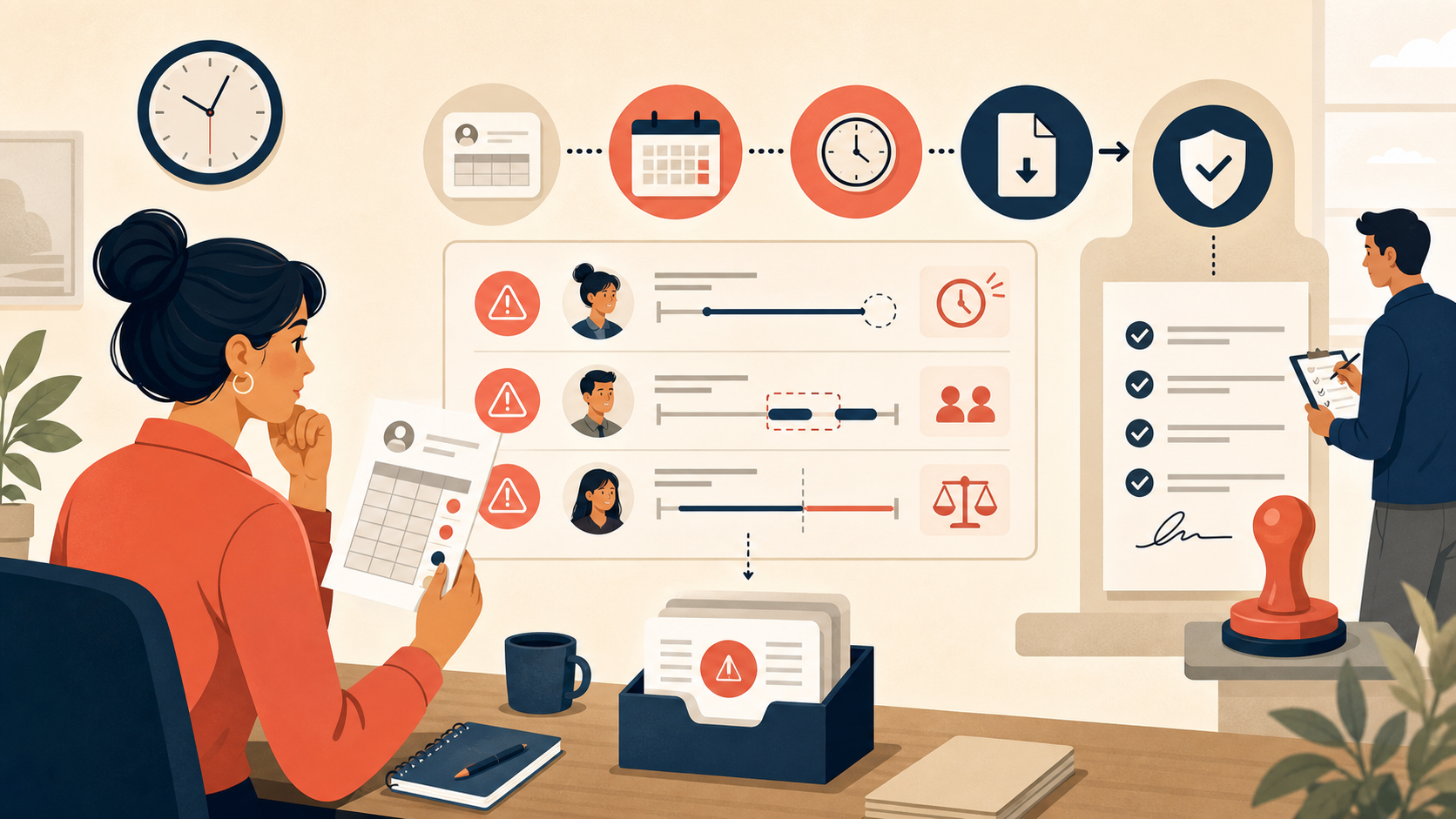
A local exception-cleanup workflow helps payroll teams separate real pay issues from messy operational data before the approval packet goes out.
The Most Common Problems in Exception Exports
| Problem | What it looks like | Why it matters |
|---|---|---|
| Missing clock-out | Shift duration runs too long | Overtime may be overstated |
| Duplicate punch | Two near-identical clock-ins | Worked hours can be counted twice |
| Department mismatch | Employee worked in the wrong cost center | Labor reporting becomes unreliable |
| Overlapping shift | One shift starts before the prior shift ends | Supervisor approval stalls |
| Manual edit note stored in the hours field | Numeric column becomes mixed text | Downstream totals break |
These are operational review issues first and payroll issues second.
A Better Review Sequence
- Export the pay-period exception file from the timekeeping system.
- Standardize employee ID, department code, location code, and shift timestamps.
- Split comment fields away from numeric hour fields so totals stay clean.
- Group by exception type to see which issues are driving the queue.
- Filter for records that need supervisor action versus records that can be corrected administratively.
- Export a clean approval file plus a separate escalation list.
Example Review Table
| employee_id | shift_date | scheduled_hours | recorded_hours | exception_type | approval_action |
|---|---|---|---|---|---|
| EMP-0412 | 2026-06-13 | 8.0 | 8.0 | None | Approve |
| EMP-0527 | 2026-06-13 | 8.0 | 11.5 | Missing clock-out | Supervisor review |
| EMP-0771 | 2026-06-13 | 6.0 | 6.0 | Department mismatch | Recode |
| EMP-0834 | 2026-06-14 | 8.0 | 8.0 | Duplicate punch | Remove duplicate |
| EMP-0910 | 2026-06-14 | 10.0 | 10.0 | Overtime note missing | Hold |
How to Sort the Queue
| Queue type | Best handled by | Example action |
|---|---|---|
| Clean records | Payroll operations | Approve immediately |
| Missing or duplicate punches | Local manager or supervisor | Confirm actual shift |
| Department or location recodes | Payroll admin or HR operations | Correct assignment |
| Overtime without approval | Supervisor and payroll lead | Request documented sign-off |
This step matters because not every exception should block the entire payroll batch.
Text Chart
Payroll exception cleanup

Raw export opened locally        ██████████
IDs and timestamps normalized    ████████░░
Comments split from hour fields  ███████░░░
Supervisor queue isolated        █████████░
Approval file ready              █████████░
Common Mistakes
- Sending every exception back to managers instead of triaging them first.
- Keeping comments inside numeric columns.
- Reviewing hours totals before confirming duplicate punches and missing clock-outs.
- Mixing payroll approval rows with unresolved escalation rows.
When This Workflow Is Worth It
This approach is useful for shift-based employers, distributed field teams, warehouses, healthcare administration, hospitality groups, and any organization that approves payroll from recurring export files rather than from a fully automated timekeeping pipeline.
A cleaner exception file shortens approval time because supervisors review the actual outliers instead of re-reading normal rows.
Download DataOlllo
If payroll approval still slows down because of messy time clock exception exports, try a local cleanup workflow with DataOlllo: download DataOlllo.