Combine Clinic Appointment No-Show Exports for a Weekly Scheduling Review
6/18/2026
Combine Clinic Appointment No-Show Exports for a Weekly Scheduling Review
Scheduling teams often get no-show information in fragments. One clinic exports appointments by provider, another exports by location, and a third only includes callback notes after the week has already started. By the time leadership asks for a weekly review, the team is reconciling several inconsistent files instead of focusing on the patient access problem.
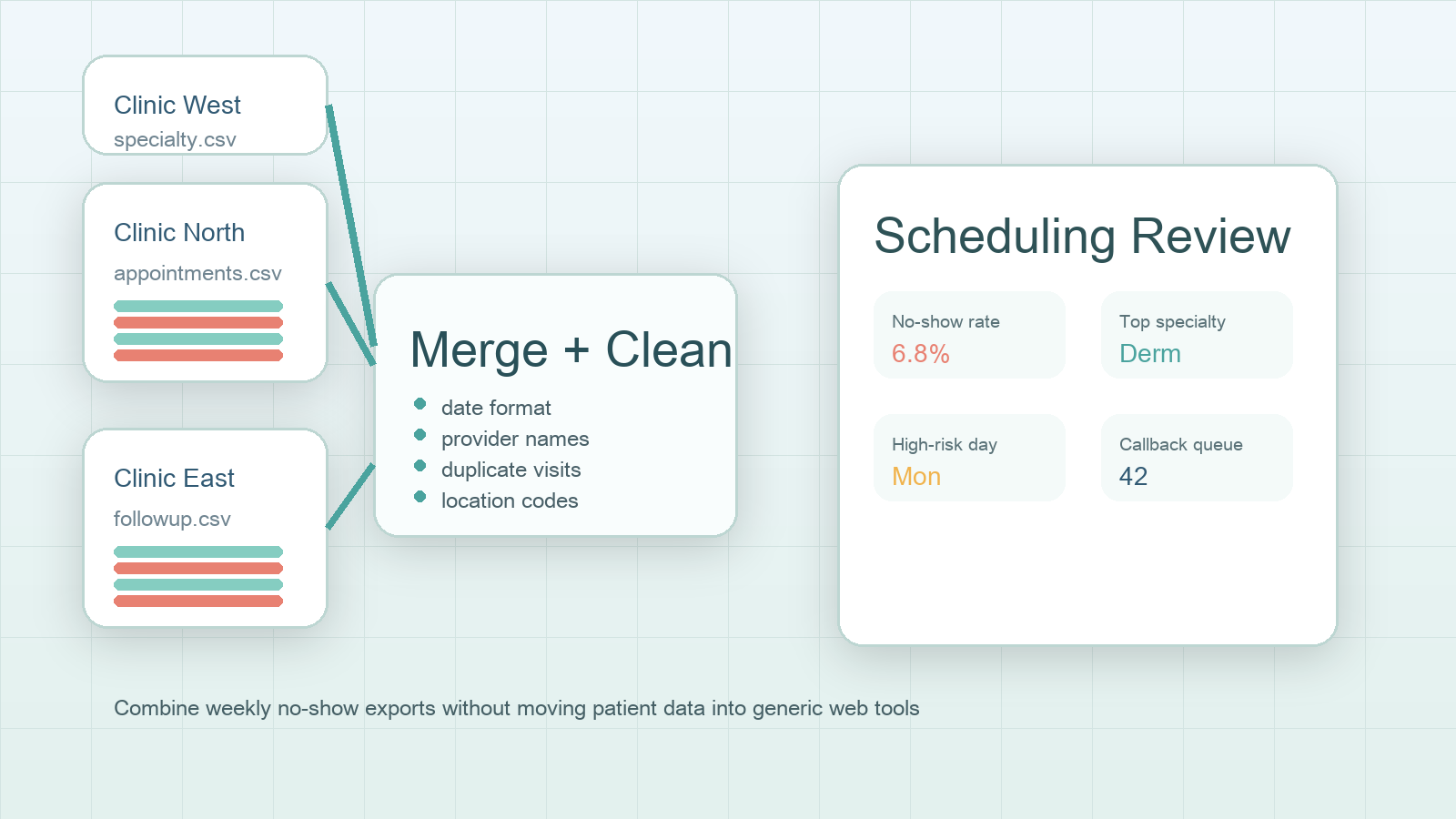
DataOlllo helps teams combine those exports locally, remove unnecessary detail, and build a cleaner weekly review file before the scheduling meeting.
What the Weekly Review Actually Needs
The meeting usually does not need every column from the scheduling system. It needs a focused operational dataset.
| Keep in the working file | Remove or mask when not needed |
|---|---|
| Appointment date | Full patient name |
| Clinic location | Phone number |
| Specialty | Detailed note text |
| Provider or provider group | Insurance identifiers |
| Visit status | Personal address fields |
| Callback outcome | Free-text comments that are not part of the operational question |
Reducing the working file early makes the review cleaner and lowers unnecessary data movement.
A Weekly Consolidation Workflow
- Export appointment status files from each clinic location.
- Standardize shared fields such as
appointment_date,location,specialty,provider_group,visit_status, andcallback_status. - Normalize visit status labels so
no show,missed, anddid not attenddo not fragment the review. - Filter to the weekly review period.
- Group by day of week, location, specialty, and callback queue status.
- Export a scheduling review file and a follow-up queue file.
This sequence gives operations leaders a usable view without forcing all clinics to export in the exact same format first.
Example Weekly Review Table
| Clinic | Specialty | Scheduled visits | No-shows | No-show rate | Callback pending |
|---|---|---|---|---|---|
| North | Primary care | 420 | 24 | 5.7% | 11 |
| East | Dermatology | 188 | 17 | 9.0% | 9 |
| West | Imaging | 146 | 8 | 5.5% | 4 |
| Central | Pediatrics | 265 | 10 | 3.8% | 5 |
Questions the Scheduling Lead Should Be Able to Answer
| Question | Useful grouping |
|---|---|
| Which clinic had the highest no-show rate this week? | Location |
| Which specialty needs reminder workflow changes? | Specialty |
| Which day carries the biggest missed-visit risk? | Day of week |
| Which patients still need follow-up contact? | Callback status or queue |
Weekly Review Status Chart
Scheduling review readiness

Clinic exports received     ██████████
Status labels normalized    ████████░░
No-show rates grouped       ████████░░
Callback queue prepared     ███████░░░
Leadership review ready     █████████░
Common Review Mistakes
- Mixing canceled appointments with true no-shows.
- Comparing clinic rates before status labels are standardized.
- Leaving callback queue ownership unclear.
- Sending full raw files around when the meeting only needs summarized operational fields.
When to Use This Workflow
This workflow fits multi-location clinics, scheduling teams with weekly access meetings, and operations groups that need to reduce no-shows without spreading raw appointment exports across extra tools.
DataOlllo is not making care decisions. It helps structure the scheduling review so the team can act faster on the operational problem.
Download DataOlllo
If weekly appointment exports are hard to combine and review, try the workflow locally with DataOlllo: download DataOlllo.