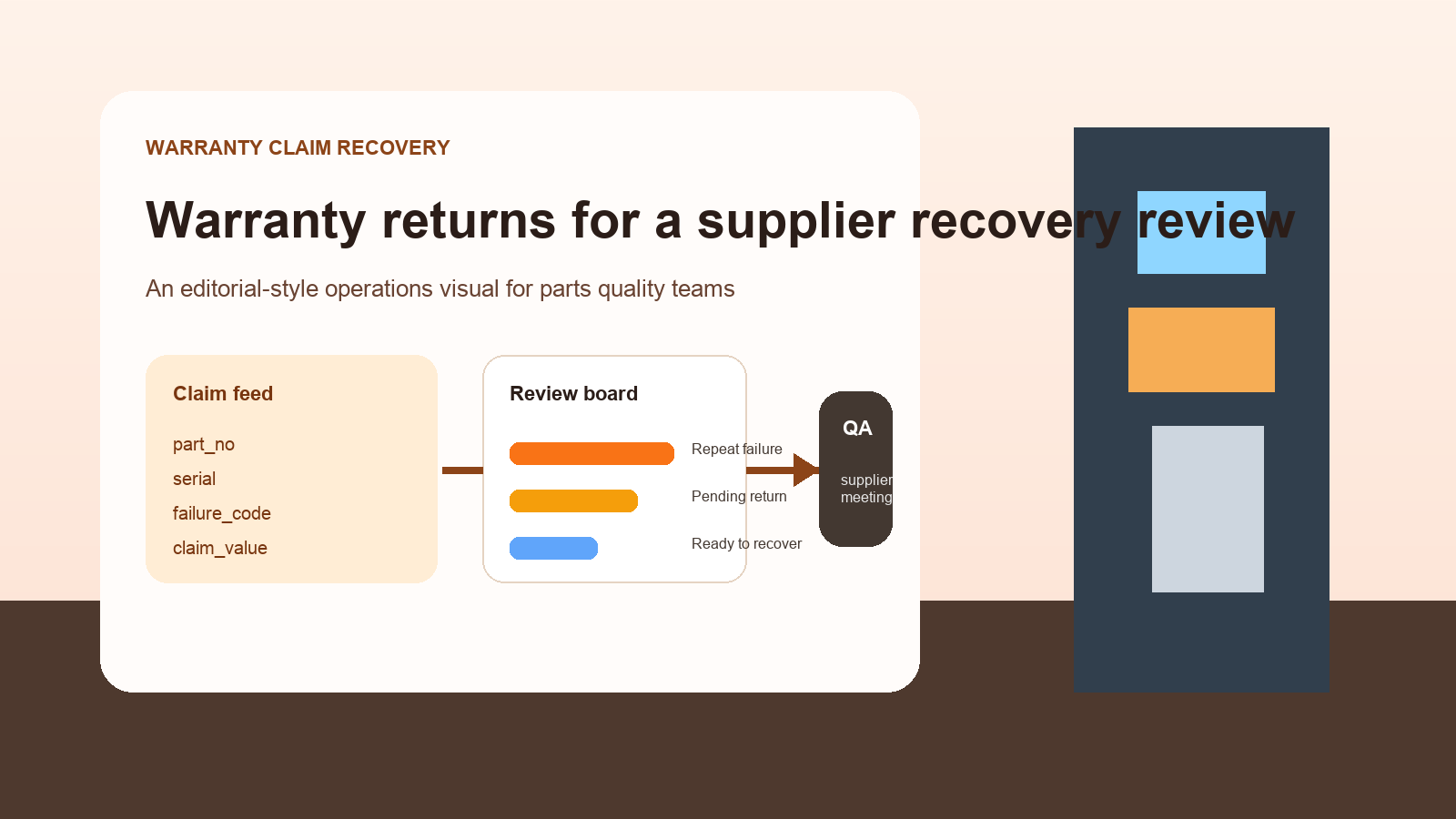
Combine Warranty Claim and Return CSV Files Before a Supplier Recovery Review
6/23/2026
Supplier recovery discussions often stall because warranty evidence is scattered. The quality team has defect codes, operations has return receipts, finance has claim values, and the supplier asks for one clean picture that no one can produce quickly. By the time the files are aligned, the meeting has already shifted from recovery to explanation.
A better approach is to build one review-ready dataset before the supplier meeting starts.
Pull the three operating views that matter
| Source file | Core fields | Why it belongs in the review |
|---|---|---|
| Warranty claim export | claim_id, part_no, serial_no, claim_value | Shows the commercial exposure |
| Return or RMA export | return_id, received_date, disposition | Confirms the physical item path |
| Failure code or inspection log | serial_no, defect_code, inspection_result | Explains repeat issues and root-cause themes |
If part revisions change over time, include a reference table that maps old and new part numbers. Otherwise, valid records may look unmatched when they are really the same component family.
Join in the order that reduces noise
1. Start with serial number when available
Serial number is usually the cleanest bridge between claims and returns. If you have it, use it before relying on broader fields like part number and date.
2. Use part number plus failure date for non-serialized items
Some components are not serialized. In that case, use part number, batch or lot where possible, and a reasonable event window so unrelated returns do not join accidentally.
3. Separate pending returns from missing evidence
A claim without a received return may still be valid if the part is in transit or the supplier approved a field disposition. Keep those as pending return rather than missing support.
Example supplier recovery summary
| Part family | Claims | Claim value | Confirmed returns | Repeat failure signal | Supplier meeting angle |
|---|---|---|---|---|---|
| Valve-A | 42 | 18,600 | 39 | High | Push for recurring defect review |
| Sensor-B | 15 | 7,250 | 11 | Medium | Ask for updated handling guidance |
| Harness-C | 9 | 3,980 | 9 | Low | Recovery support is complete |
| Seal-D | 27 | 5,400 | 12 | High | Split pending logistics from defect trend |
Weekly review checklist
- Remove duplicate claims created by reopen or reissue activity.
- Confirm that returned quantity and claimed quantity use the same unit.
- Keep
pending return,received return, andfield dispositionas separate states. - Group failure codes into a manageable review taxonomy before the meeting.
- Flag part families with repeated failures across multiple plants or customers.
What makes the meeting easier
The supplier rarely needs every raw row on screen. They need a view that answers four questions:
- How many claims are we discussing?
- What is the financial value?
- How many returns physically support those claims?
- Which failure themes are repeating?
If you can answer those clearly, the conversation moves faster from dispute to resolution.
Keep the evidence local and reviewable
Warranty datasets often include customer return notes, serial references, internal inspection comments, and cost exposure that teams prefer to keep within their own environment. A local workflow lets quality, operations, and finance align those files without sending supplier-recovery detail through a patchwork of ad hoc tools.
Next step
If supplier recovery meetings still begin with three different exports and a lot of manual explanation, consolidate the files into one local review set first. DataOlllo can help you clean part identifiers, join claim and return records, and inspect unresolved mismatches before the meeting. Download it here: https://www.dataolllo.com/download