How Finance Teams Reconcile Marketplace Payout CSVs Across Storefronts and Processors
6/18/2026
How Finance Teams Reconcile Marketplace Payout CSVs Across Storefronts and Processors
Marketplace payouts are rarely a single clean file. Finance teams often have one export from the storefront, another from the payment processor, a separate refund report, and a bank settlement line that arrives on a different day. The result is a cash posting process that feels simple in theory but fragile in practice.
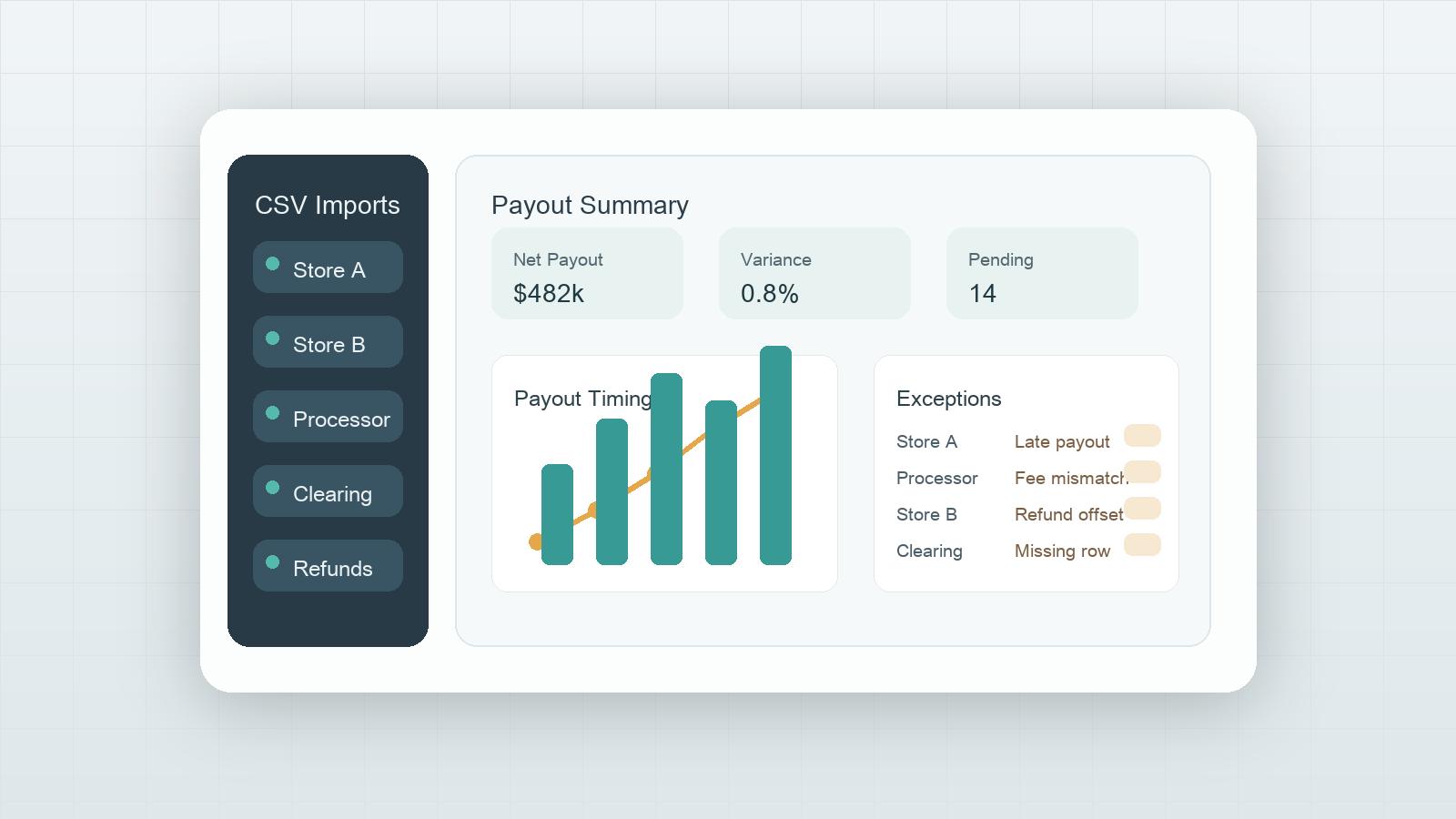
DataOlllo helps teams handle this locally. Instead of copying rows between manual spreadsheet tabs and hoping the totals line up, the team can open each export, standardize the key fields, inspect exceptions, and produce a review-ready payout table before anything reaches the journal entry.
Why Marketplace Payouts Drift Out of Alignment
The hard part is not adding the numbers. The hard part is deciding which rows belong together.
| Source file | Typical grain | Common mismatch |
|---|---|---|
| Storefront order export | One row per order or line item | Payout date missing or delayed |
| Processor settlement export | One row per transfer or fee event | Processor IDs do not match storefront order IDs directly |
| Refund export | One row per refund event | Refund appears in a later payout cycle |
| Chargeback or reserve file | One row per adjustment | Amount reduces cash without matching the original order period |
| Bank deposit record | One row per deposit | Net deposit combines several sources |
If the team skips the alignment step, it becomes easy to post the right-looking total for the wrong operational reason.
A Local Reconciliation Workflow
Use a workflow that makes timing differences visible:
- Open the storefront, processor, refund, and bank deposit CSV exports locally.
- Standardize keys such as
order_id,processor_reference,payout_date,gross_amount,fee_amount,refund_amount, andcurrency. - Group by payout batch or settlement date to see whether the files describe the same cycle.
- Build a bridge table that shows gross sales, fees, refunds, reserves, and net payout by batch.
- Filter exceptions where the deposit does not equal the expected net amount.
- Export the reviewed table for cash posting and controller review.
The objective is not to force every export into one perfect format. The objective is to create a traceable explanation for why the payout amount reached the bank.
Example Reconciliation Bridge
| Payout batch | Gross sales | Processor fees | Refunds in cycle | Reserve holdback | Expected net |
|---|---|---|---|---|---|
| Batch 2026-06-03 | $182,400 | $5,918 | $7,250 | $1,500 | $167,732 |
| Batch 2026-06-04 | $205,900 | $6,411 | $3,880 | $0 | $195,609 |
| Batch 2026-06-05 | $176,120 | $5,604 | $2,910 | $900 | $166,706 |
This bridge gives finance and operations the same view of the payout instead of forcing each team to interpret separate files alone.
Exception Rules Worth Reviewing First
| Exception | Example signal | Why it matters |
|---|---|---|
| Deposit shortfall | Bank deposit is below expected net payout | Could indicate reserve, chargeback, or missing processor row |
| Duplicate payout line | Same processor reference appears twice | Can overstate cash received |
| Refund timing mismatch | Refund file lands in later cycle than order | Can distort daily margin reporting |
| Currency mixing | One payout combines multiple currencies in source exports | Net total may not be comparable without approved conversion logic |
| Missing order mapping | Processor row has no storefront match | Prevents clear revenue-to-cash trace |
Text Chart for the Review Meeting
Payout review priority

Deposit mismatch        ██████████
Refund timing gap       ████████░░
Duplicate references    ██████░░░░
Missing order mapping   ██████░░░░
Small rounding issues   ███░░░░░░░
What to Export After the Review
The most useful output is usually not the raw merged file. It is a payout review table with one row per batch and a supporting exceptions tab that explains the unresolved items.
Keep these columns in the final review export:
| Final column | Purpose |
|---|---|
payout_batch | Anchors the review to one settlement cycle |
expected_net | Shows the modeled payout amount |
bank_deposit | Shows the cash actually received |
variance_amount | Makes unresolved differences obvious |
top_exception_reason | Helps route follow-up |
review_status | Keeps manual follow-up explicit |
Common Mistakes
- Matching only on amount and not on payout cycle.
- Letting refunds and reserves disappear into one net total.
- Posting cash before unresolved variances are documented.
- Rebuilding the same reconciliation manually every week instead of reusing a repeatable local process.
When to Use This Workflow
This workflow is useful when finance teams reconcile multiple storefronts, one processor serves several channels, payouts arrive daily, or refund timing makes the controller review harder than it should be.
DataOlllo does not replace accounting policy. It gives teams a clearer operational layer before the accounting decision is made.
Download DataOlllo
If marketplace payout exports are slowing down your cash posting process, try the workflow locally with DataOlllo: download DataOlllo.