How Finance Teams Reconcile Unapplied Cash CSV Exports Before Month-End Close
6/23/2026
Finance teams rarely miss month-end close because one file is unavailable. The real problem is that cash activity lands in several exports that do not line up cleanly: bank receipts, lockbox remittances, customer memos, and ERP posting files. When those feeds stay separate, unapplied cash grows quietly and the close meeting turns into manual row chasing.
A stronger review starts by treating unapplied cash as an exception-management workflow instead of a one-off spreadsheet project. The goal is simple: line up the files, identify why a receipt did not match, and leave every unresolved dollar with an owner before close.
Start with the three files that answer different questions
| File | What it tells you | Typical problem if it is reviewed alone |
|---|---|---|
| Bank receipt export | What actually hit the account | Missing invoice or customer context |
| Lockbox or remittance file | How the payer intended to apply the money | Reference numbers may be inconsistent |
| ERP cash posting export | What the accounting system accepted | Duplicate, partial, or delayed postings stay hidden |
If your team also has credit memo exports or deduction reason files, keep them nearby as supporting detail. They help explain why a receipt is not supposed to fully match the invoice balance.
Build the review in a fixed order
1. Normalize receipt identifiers first
Before comparing amounts, make the receipt numbers comparable. Remove spaces, leading text prefixes, and formatting differences that change from one source to another. A receipt called ACH-001245 in one file and 001245 in another is not a real exception. It is a formatting problem.
2. Match the easy wins before touching edge cases
Match rows where receipt ID, customer, and amount all agree. That quickly removes the clean majority and leaves the smaller set that actually deserves finance time.
3. Separate partial payments from missing references
Partial payments are operationally different from unidentified cash. One points to a short-pay or deduction workflow. The other points to missing remittance detail, stale invoice references, or posting lag.
4. Bucket the remaining exceptions
Keep the unresolved rows in a short set of review buckets:
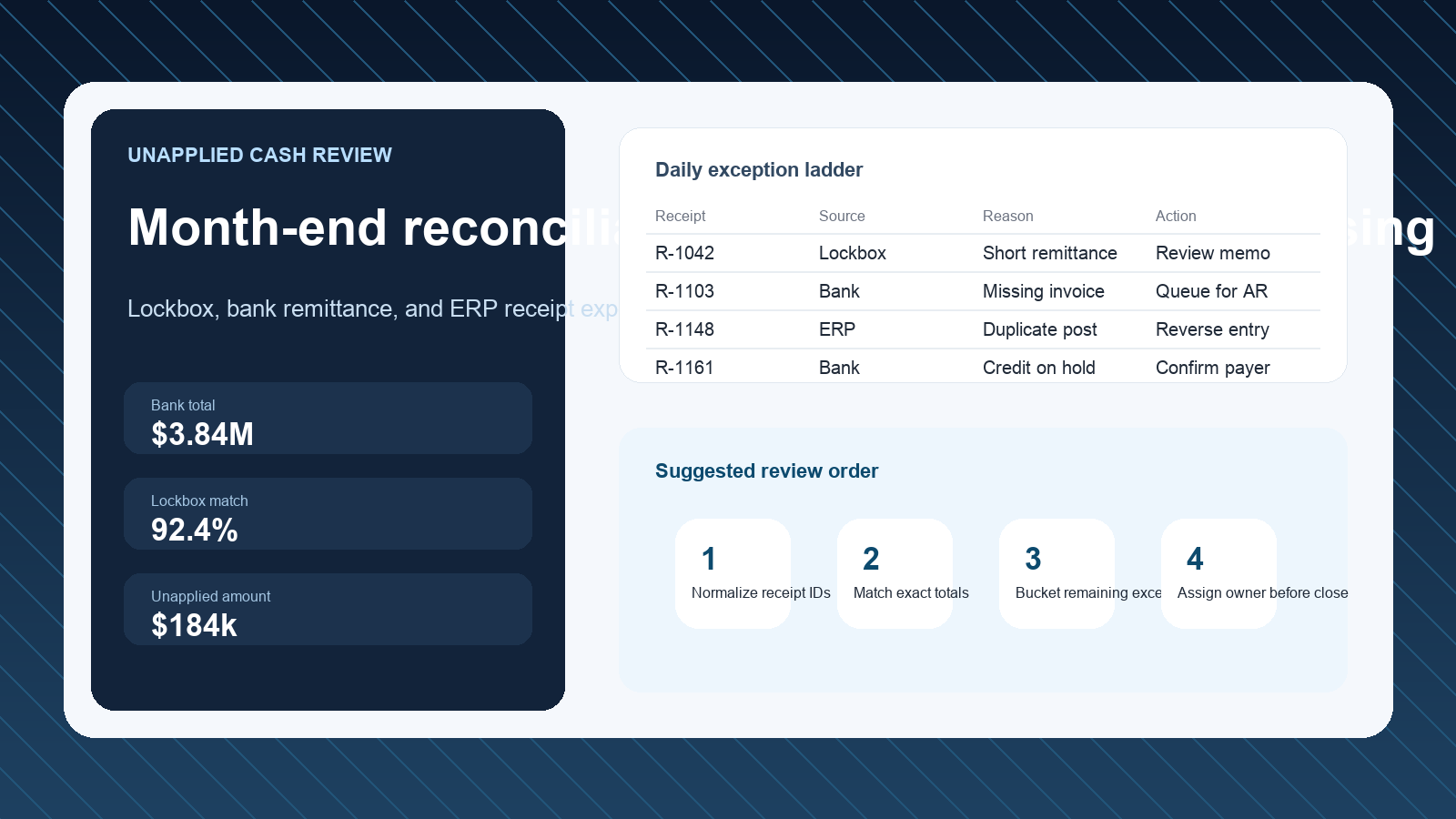
Missing invoice referenceShort remittanceDuplicate receiptCredit memo offsetPosted in bank, not in ERPPosted in ERP, not in bank
These buckets matter because they turn a vague exception list into a queue that can be routed to accounts receivable, collections, or the accounting close owner.
Example exception review
| Receipt ID | Bank amount | ERP amount | Likely issue | Next action |
|---|---|---|---|---|
| R-1103 | 12,400 | 0 | Missing invoice reference | Request remittance detail from collector |
| R-1148 | 8,250 | 8,250 | Duplicate post | Reverse duplicate entry before close |
| R-1161 | 19,900 | 17,300 | Short remittance | Review open deduction or dispute |
| R-1182 | 6,700 | 6,700 | Timing lag | Confirm next-day posting rule |
What to review before sign-off
Use this close checklist before you mark unapplied cash as reviewed:
- Confirm every unresolved row has an owner and due date.
- Separate timing items from true application failures.
- Summarize total unapplied cash by reason bucket, not just as one balance.
- Check whether the same customer appears repeatedly across several receipts.
- Make sure duplicate-posting corrections are scheduled before financial statements lock.
Why a local workflow helps
Cash application files often include customer names, invoice references, memo text, and bank details that finance teams do not want spread across ad hoc cloud tools. A local workflow keeps the review in-house while still letting the team filter large exports, join files by stable keys, and trace each unmatched receipt back to its source row.
A practical operating rule
If the review takes longer than the meeting itself, the process is under-structured. The useful output is not a giant sheet of raw receipts. It is a short decision-ready table showing which dollars are matched, which are in motion, and which require action before close.
Next step
If your month-end team is still combining bank and ERP exports manually, build the review from one local working set instead of several disconnected files. DataOlllo can help you clean, join, and inspect larger finance exports without relying on fragile manual spreadsheet workflows. Download it here: https://www.dataolllo.com/download