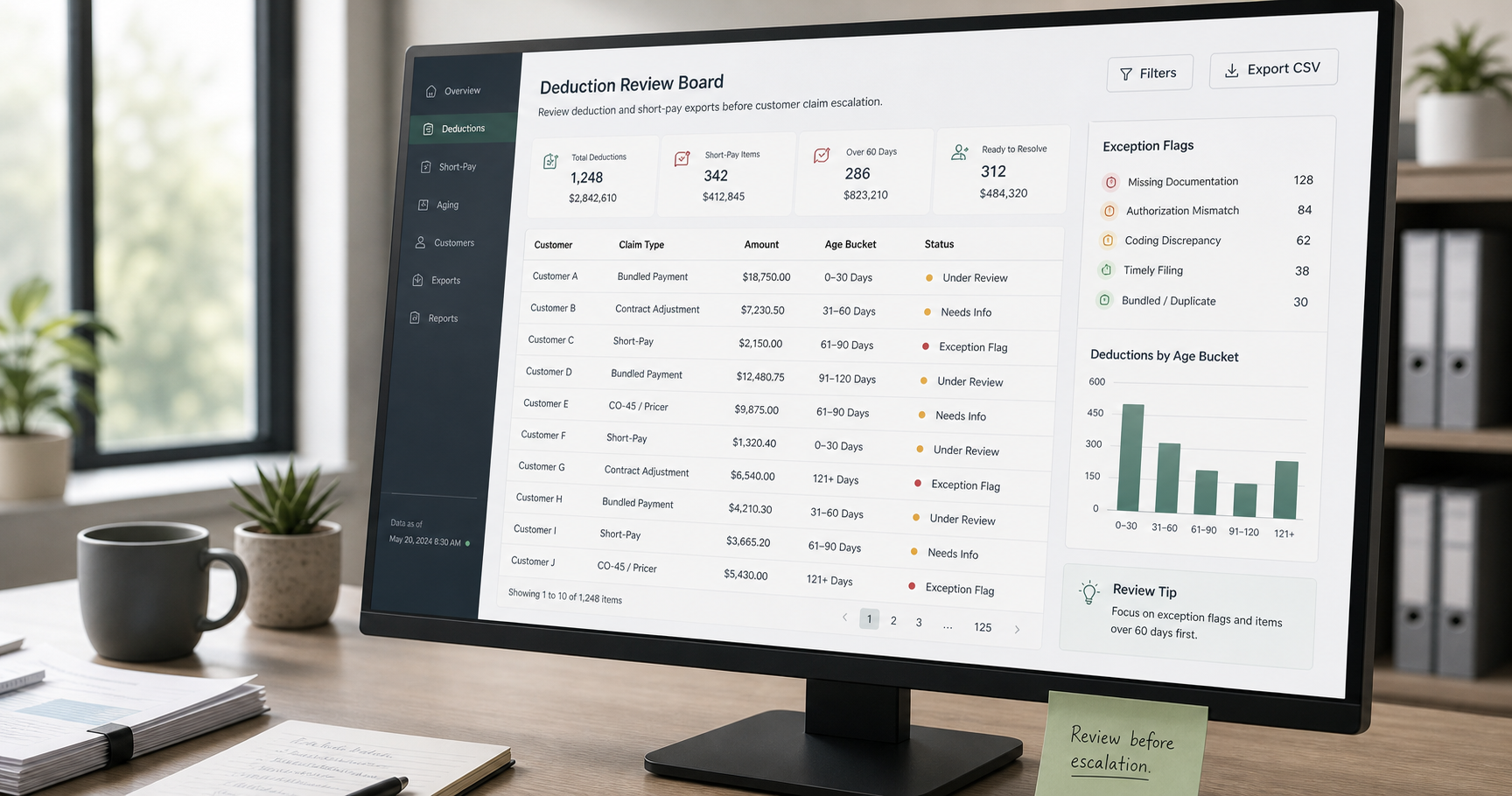
How Finance Teams Review Deduction and Short-Pay CSV Exports Before a Customer Claim Escalation
6/20/2026
How Finance Teams Review Deduction and Short-Pay CSV Exports Before a Customer Claim Escalation
Trade deductions and short-pay claims can quietly distort the month if they are reviewed one email at a time. The accounting impact may look small on each line, but the real cost shows up in delayed collections, duplicated dispute work, and claim files that keep bouncing between finance, sales, and customer operations.
DataOlllo gives finance teams a local place to sort, standardize, and review those exports before the claim turns into a larger escalation.
What Makes Deduction Reviews Messy
| Source file | Typical problem | Why the review slows down |
|---|---|---|
| Customer remittance export | Reason codes are abbreviated or inconsistent | The reviewer cannot tell whether the short pay is pricing, freight, shortage, or promotion related |
| Invoice aging file | Invoice numbers may be formatted differently | Matching the claim back to the open balance takes extra cleanup |
| Promotion tracker | Campaign names vary by account team | Valid promotional claims are hard to separate from unsupported deductions |
| Return or shortage detail | Supporting references arrive late | The case owner keeps reopening the same claim |
When those files stay separate, the claim review becomes a scavenger hunt instead of a control process.
A Practical Review Workflow
- Open the remittance, open-invoice, promotion, and return-detail exports locally.
- Standardize fields such as
customer_name,invoice_number,deduction_amount,reason_code,claim_date,promotion_id, andowner. - Normalize invoice numbers and customer names so matching works across files.
- Split the queue into valid deductions, unsupported short pays, and records missing documentation.
- Group by customer, reason code, and age bucket to see where the backlog is concentrated.
- Export one file for claim follow-up and another for accounting reserve review.
This keeps the review grounded in evidence instead of inbox history.
Example Claim Review Table
| Customer | Claim type | Rows | Total amount | Recommended action |
|---|---|---|---|---|
| North Retail Group | Freight deduction | 18 | $14,220 | Validate shipment terms |
| Central Drug Stores | Promotion short pay | 11 | $8,940 | Match to approved campaign |
| Horizon Wholesale | Shortage claim | 9 | $6,180 | Request receiving support |
| Metro Foods | Unclassified short pay | 7 | $5,260 | Route for manual review |
Priority Rules That Help
| Rule | Why it matters | Action |
|---|---|---|
| Claim age over 30 days | Recovery probability usually drops over time | Escalate owner review |
| Repeat reason code by one customer | Indicates process pattern, not a one-off mistake | Summarize trend for account team |
| Missing promotion or return reference | Claim cannot be validated cleanly | Route to exception queue |
| Small repeated deductions | Low-value rows can still create material leakage in aggregate | Group and review together |
Text Chart: Where the Queue Usually Builds
Claim review pressure

Promotion matching        █████████░
Freight term disputes     ████████░░
Missing support           ███████░░░
Shortage validation       ██████░░░░
Cleanly documented items  ███░░░░░░░
Common Mistakes
- Reviewing each claim in isolation instead of summarizing repeated patterns.
- Leaving invoice numbers unstandardized before matching.
- Mixing valid deduction workflows with unsupported short pays in the same queue.
- Letting small repeated claims sit because the single-row amount looks harmless.
When to Use This Workflow
This workflow is a strong fit when:
- Customer deductions arrive from multiple channels or ERP exports.
- Different teams own pricing, freight, returns, and promotion evidence.
- Finance needs a clearer reserve or follow-up view before close.
- The team wants a local working file instead of forwarding raw claim data through external tools.
A Review Checklist Before Escalation
| Check | Yes/No |
|---|---|
| Invoice numbers align across remittance and aging files | |
| Claim types are grouped into meaningful buckets | |
| Missing-support rows are isolated from valid claims | |
| Aged claims have a named owner | |
| Repeat patterns by customer are summarized |
What a Better Output Looks Like
By the time the file reaches the collections lead or account owner, it should answer a few operational questions immediately:
- Which claims are likely valid?
- Which ones are under-supported?
- Which customers are repeating the same dispute pattern?
- Which amount buckets need attention before the backlog grows again?
That is the difference between a claim file that only reports a problem and one that helps resolve it.
Next Step
If your short-pay review still depends on manual tab cleanup and scattered email notes, start with a local claim-working file that separates supported deductions from unresolved exceptions. You can download DataOlllo here: https://www.dataolllo.com/download