How US Financial Analysts Process Large CSV Files Without Traditional Spreadsheets Crashes
5/25/2026
Financial analysts across the US handle massive CSV exports every day. A typical day might involve pulling a 500,000-row bank statement CSV, a 200,000-row ERP export, and a trading data file with millions of rows — and trying to reconcile them in a spreadsheet that freezes on the first filter click.
The Problem
Spreadsheets were not designed for datasets this large. When you open a 500,000-row bank statement in traditional spreadsheets, the application tries to load the entire file into memory. Filtering takes seconds per click. Running a pivot table can crash the entire application. And when you have multiple large files to reconcile, the workflow becomes hours of waiting instead of minutes of analysis.
Why It Happens
Traditional spreadsheets handle small-to-medium datasets reasonably well — up to about 100,000 rows with degraded performance. Beyond that, the memory model breaks down. Financial datasets routinely contain millions of rows, and financial analysts routinely need to work with all of them simultaneously.
Practical Workflow
Step 1: Load financial CSVs directly into DataOlllo DataOlllo opens large CSV files by streaming them from disk rather than loading everything into RAM. A 2GB bank statement CSV loads in about 5 seconds.
Step 2: Filter by account, date, or amount range Use DataOlllo's visual filters to narrow to the accounts, date ranges, or transaction amounts you need. Filters apply across all rows instantly — no formula setup, no pivot table required.
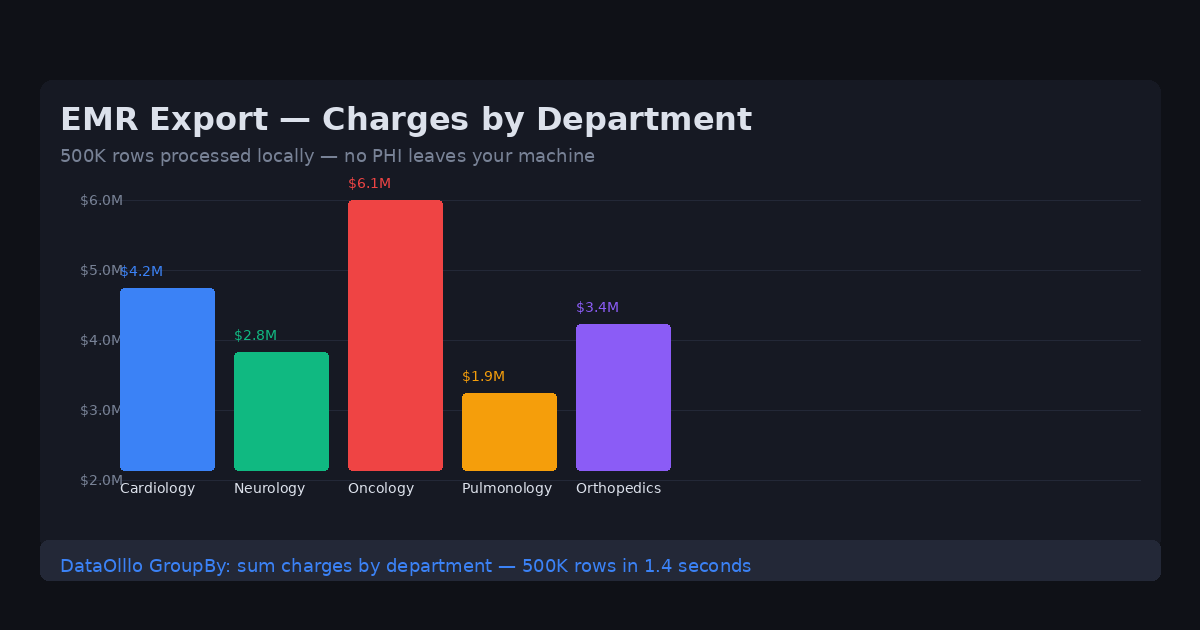
Step 3: Group and aggregate by account or category Use the GroupBy feature to sum transactions by account code, category, or time period. DataOlllo computes these across all rows in seconds.
Step 4: Reconcile multiple files Load multiple CSVs — bank statements, ERP exports, trading data — and use Directory Mode to process them together. DataOlllo merges and reconciles across all files.
Step 5: Export clean financial data Export the reconciled result as a clean CSV. The original files stay untouched.
When to Use DataOlllo
- Large financial datasets: 500K rows, 2GB+ files — DataOlllo handles them without freezing or crashing.
- Multiple file reconciliation: Bank statements, ERP exports, and trading data — process them together in one view.
- Recurring financial workflows: Directory Mode automates weekly and monthly reconciliation reports.
Next Step
Download DataOlllo and try it on your next financial CSV export. Filter, aggregate, and reconcile — all without the spreadsheet crashes that make financial analysis unbearable.