Manual Copy-Paste vs Folder-Based CSV Processing for Recurring Compliance Logs
6/18/2026
Manual Copy-Paste vs Folder-Based CSV Processing for Recurring Compliance Logs
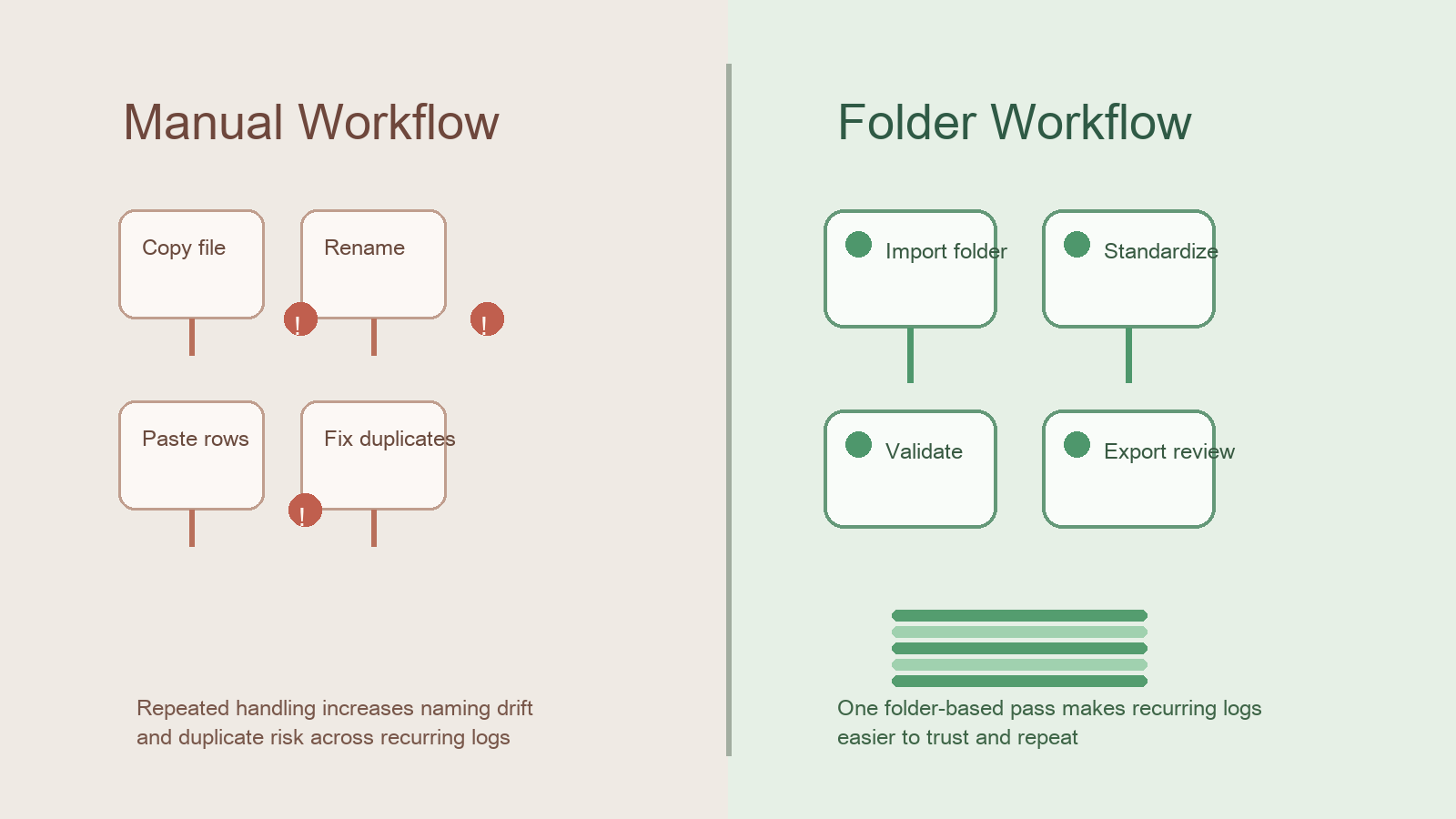
Recurring compliance work often starts with the same sentence: "Just drop this week's files into the report." In practice that usually means someone copies rows out of several CSV exports, renames columns by hand, fixes duplicates, and rebuilds the same review package every week or month.
That method can work for a while, but it tends to create avoidable risk. DataOlllo offers a more controlled local alternative: point the workflow at a folder of exported files, standardize the fields, validate the output, and produce one review-ready dataset.
What Changes Between the Two Approaches
| Step | Manual copy-paste workflow | Folder-based workflow |
|---|---|---|
| File intake | Open each file individually | Ingest a whole export folder |
| Naming consistency | Depends on the reviewer remembering the rules | Can be standardized once per process |
| Duplicate handling | Often found late | Can be checked during validation |
| Repeatability | Rebuilt every cycle | Easier to reuse |
| Audit trail | Scattered across working files | Cleaner review sequence |
The difference is not just speed. It is trust.
When Manual Handling Starts to Break
| Signal | What it often means |
|---|---|
| File names drift every week | Reviewers spend time deciding which file is current |
| Same log appears twice in the report | Duplicate control is weak |
| One reviewer knows the process and no one else does | Operational risk is concentrated in one person |
| Monthly review takes longer even though the output is the same | Manual rework is accumulating |
If these signals keep appearing, the workflow has become the problem.
A Folder-Based Review Sequence
- Export the compliance logs into one review folder.
- Open the folder in DataOlllo.
- Standardize column names and date formats across the exported files.
- Run duplicate and missing-field checks.
- Filter to the review period and exception conditions.
- Export the final review file for sign-off.
This still leaves room for judgment. It simply removes repetitive file handling from the critical path.
Comparison Table: Operational Tradeoffs
| Requirement | Manual copy-paste | Folder-based local workflow |
|---|---|---|
| Weekly file volume grows over time | Becomes harder to manage | Scales more cleanly |
| Reviewer handoff | Fragile | Easier to document |
| Missing-file detection | Often manual | Easier to surface |
| Repeatable review cadence | Inconsistent | Stronger |
| Raw file control | Local if done carefully | Local by design |
Text Chart
Recurring compliance workflow

Manual rework risk         █████████░
Naming drift risk          ████████░░
Duplicate control risk     ███████░░░
Folder workflow repeatability ██████████
Folder workflow clarity    █████████░
Who Should Consider the Folder Approach
This approach is useful for compliance teams, operations analysts, finance administrators, and back-office reviewers who receive the same exported logs on a recurring schedule.
It is especially useful when the source system cannot be changed quickly, but the team still needs a more dependable review layer.
Common Mistakes When Teams Stay Manual
- Building the report from copied rows instead of from the original export set.
- Renaming columns differently every cycle.
- Discovering duplicates only after the review deck is already sent.
- Treating repeated file cleanup as normal instead of redesigning the process.
Download DataOlllo
If recurring compliance logs are still being rebuilt by hand every cycle, try a folder-based local workflow with DataOlllo: download DataOlllo.