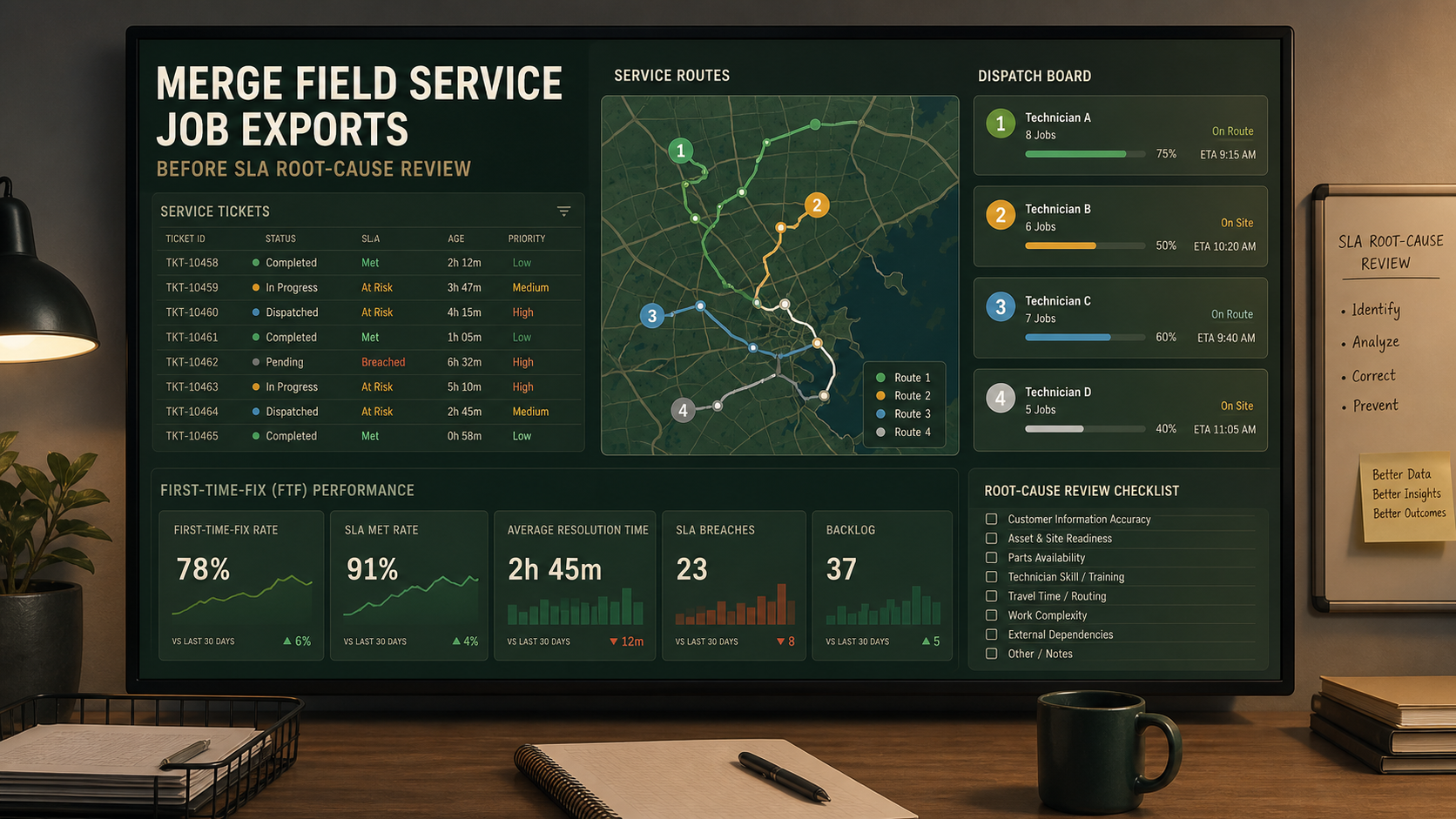
Merge Field Service Technician Job CSV Exports Before an SLA Root-Cause Review
6/19/2026
Merge Field Service Technician Job CSV Exports Before an SLA Root-Cause Review
Service operations reviews often start with a simple question: why did response time or first-time-fix performance slip this week? The answer is usually spread across several exports. Dispatch has one file, technician completions arrive in another, and parts delay data sits in a separate queue. If those files are not aligned, the SLA review becomes opinion-heavy very quickly.
DataOlllo gives operations teams a local way to merge those CSV exports, isolate repeat miss patterns, and prepare a cleaner root-cause review.
What the SLA Review Needs
| Keep in the working file | Isolate separately |
|---|---|
| Job ID | Long internal chat notes |
| Region or route | Customer personal details |
| Technician or team | Full free-text resolution narratives |
| Scheduled start | Unused system flags |
| Arrival or completion status | Attachment metadata |
| Delay reason and parts status | Large duplicated reference columns |
A tighter working file helps the team compare routes, teams, and recurring blockers without over-sharing raw operational detail.
Where the Data Usually Splits
| Source | Typical issue | Review impact |
|---|---|---|
| Dispatch export | Route and region codes change by team | Trends split unexpectedly |
| Job completion export | Completion statuses are inconsistent | First-time-fix rate becomes unreliable |
| Parts delay export | Delay events do not always join cleanly to the job record | Root cause stays vague |
| Escalation queue | Priority overrides are tracked separately | SLA misses look unexplained |
A Root-Cause Review Workflow
- Open dispatch, completion, parts, and escalation CSV exports locally.
- Standardize fields such as
job_id,region,technician_team,scheduled_window,arrival_status,completion_status,delay_reason, andparts_hold. - Normalize route and status labels so the same operational state is counted once.
- Group misses by region, technician team, and root-cause category.
- Separate misses caused by scheduling, parts, travel, and repeat visits.
- Export one SLA review file and one unresolved-record file.
This gives leadership a clearer answer than a raw export pile.
Example SLA Review Table
| Region | SLA misses | First-time-fix misses | Dominant root cause | Action owner |
|---|---|---|---|---|
| North Metro | 31 | 14 | Parts unavailable | Planning |
| Coastal South | 22 | 9 | Travel window slippage | Dispatch |
| Central West | 18 | 7 | Repeat diagnosis visit | Field ops |
| Inland East | 11 | 3 | Technician reassignment | Scheduling |
Useful Root-Cause Buckets
| Bucket | What it usually means |
|---|---|
| Parts unavailable | Stock or picking issue |
| Travel window slippage | Route planning or traffic issue |
| Repeat diagnosis | Incomplete first visit or triage issue |
| Customer not ready | Access problem outside technician control |
Text Chart
SLA review focus

Parts-related misses      █████████░
Travel slippage           ███████░░░
Repeat diagnosis visits   ██████░░░░
Customer access issues    ████░░░░░░
Common Mistakes
- Treating every SLA miss as a technician performance issue.
- Reviewing delay reasons before labels are normalized.
- Keeping parts-delay data separate from the main job review.
- Letting route names change between teams without a standard map.
When to Use This Workflow
This workflow is useful for field service, repair networks, installation teams, and service administrators who need a dependable weekly review of why SLA performance moved.
Download DataOlllo
If technician job exports are still being merged manually before SLA review, try the local workflow in DataOlllo: download DataOlllo.