Review Freight Accessorial Charge CSV Exports Before Carrier Invoice Approval
6/18/2026
Review Freight Accessorial Charge CSV Exports Before Carrier Invoice Approval
Freight invoices often become difficult not because the base linehaul is unclear, but because the accessorial charges arrive as a growing list of small exceptions. Detention, lumper fees, reweigh charges, address corrections, storage, and fuel-related adjustments can turn invoice approval into a slow manual audit.
DataOlllo gives logistics teams a local review layer for those CSV exports so they can focus on the exceptions that actually change the payment decision.
Why Accessorial Reviews Become Unstable
| Charge type | Typical problem | Why approval slows down |
|---|---|---|
| Detention | Start and end timestamps do not match internal stop records | Operations must verify whether the delay was billable |
| Reweigh | Weight-based charge appears without original shipment context | Team cannot judge whether the fee is expected |
| Address correction | Charge posted after the delivery week closes | Hard to tie back to the load owner |
| Storage | Multiple days bundled into one row | Approval needs supporting detail |
| Lumper or unloading | Same event appears in both portal and carrier export | Duplicate payment risk |
These are not rare edge cases. They are normal review points that need a cleaner process.
A Practical Audit Flow
- Open the carrier accessorial export, shipment reference file, and invoice summary locally.
- Standardize fields such as
load_id,carrier,charge_type,charge_amount,event_date,terminal, andapprover. - Group the charges by carrier and type to see where the invoice changed most.
- Filter for high-value and repeated charge patterns first.
- Join disputed rows back to shipment references for context.
- Export one approval file and one dispute file.
This keeps the invoice review grounded in the shipment evidence instead of in a long email chain.
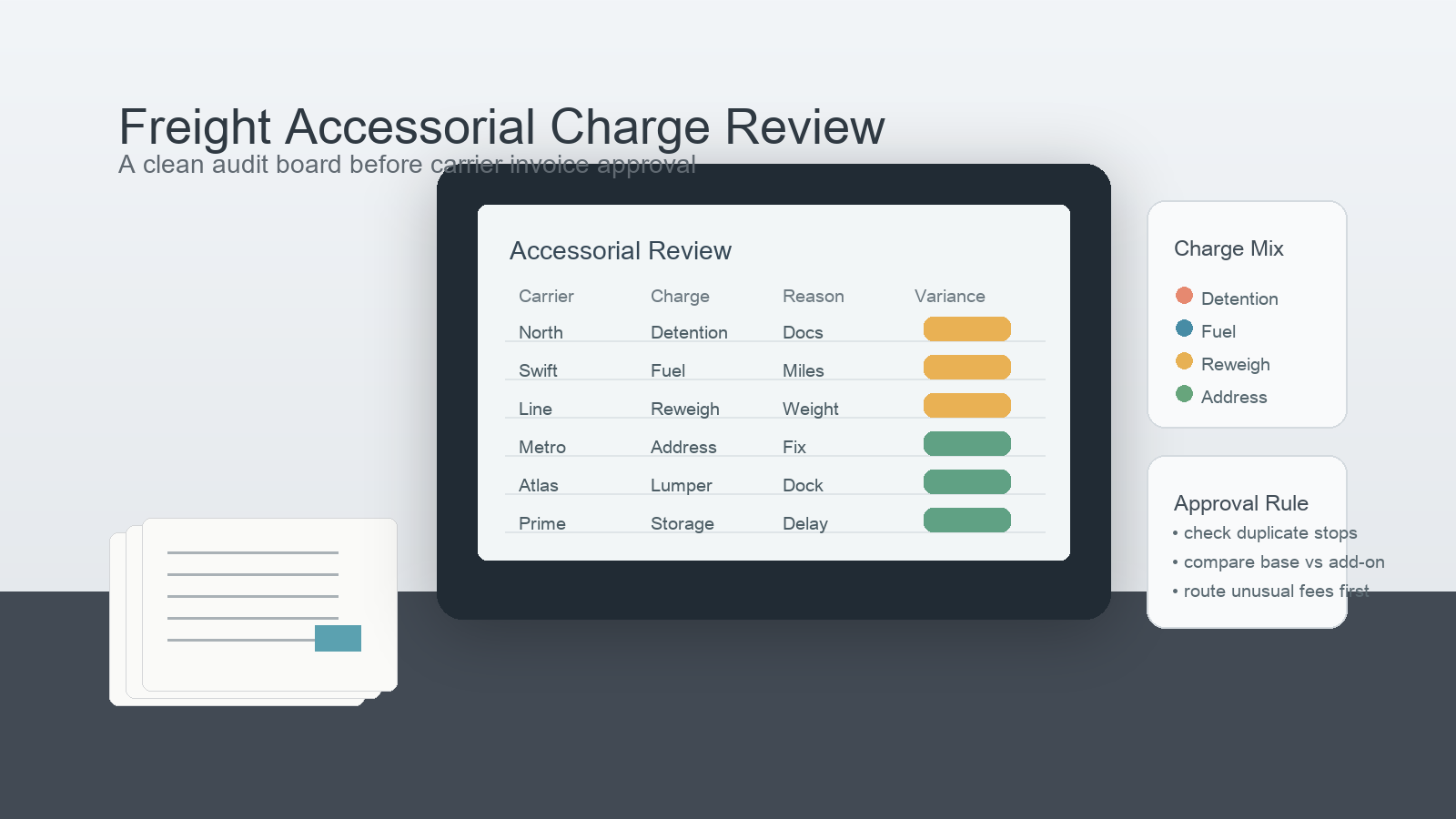
Example Accessorial Review Table
| Carrier | Charge type | Rows | Total amount | Review status |
|---|---|---|---|---|
| North Line | Detention | 14 | $2,980 | Review stop timing |
| Swift Route | Fuel adjustment | 6 | $1,140 | Ready |
| Metro Freight | Address correction | 9 | $870 | Review source |
| Atlas Cargo | Reweigh | 4 | $620 | Ready |
Approval Rule Table
| Rule | Action |
|---|---|
| Duplicate load and charge combination | Route to dispute queue |
| High-value detention charge | Validate timestamps and stop notes |
| Repeated address correction by lane | Review upstream planning issue |
| Small but frequent storage fee | Summarize trend for operations owner |
Text Chart for Review Priority
Accessorial review queue

High-value detention      ██████████
Duplicate event rows      ████████░░
Address corrections       ███████░░░
Reweigh review            ██████░░░░
Routine approved fees     ███░░░░░░░
Common Mistakes
- Approving by total invoice amount without checking charge mix.
- Treating repeated small charges as harmless noise.
- Reviewing accessorials without joining them back to shipment context.
- Letting disputes stay embedded in the same file as approved charges.
When This Workflow Fits
Use this workflow when logistics finance, operations, or transportation teams receive recurring accessorial exports and need a faster way to approve or dispute the carrier invoice.
DataOlllo does not decide whether a carrier is right. It helps the team build a cleaner evidence set before the approval call is made.
Download DataOlllo
If accessorial charge exports are stretching out your freight invoice review, try the process locally with DataOlllo: download DataOlllo.