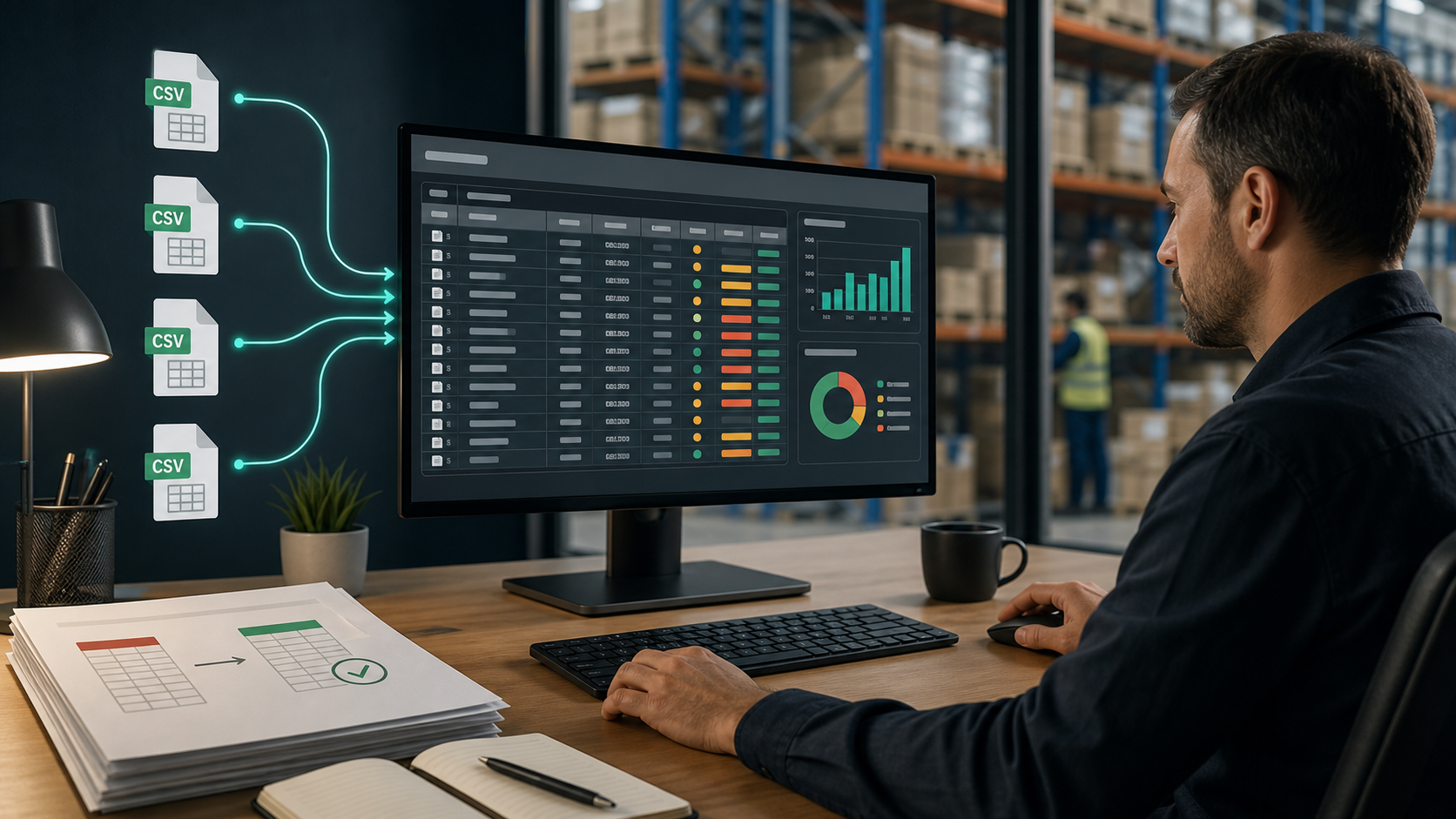
Warehouse Cycle Count Variance Analysis From Multiple CSV Exports
6/16/2026
Warehouse Cycle Count Variance Analysis From Multiple CSV Exports
Cycle counts create a steady stream of small CSV files: one from handheld scanners, one from the warehouse management system, one from finance inventory, and sometimes one per location. The hard part is combining them without losing the exception details.
DataOlllo gives warehouse teams a local way to merge, filter, and review those files before sending a final variance report.
Typical Cycle Count Inputs
| File | Grain | Key columns |
|---|---|---|
| Scanner export | One counted SKU per location | count_date, location, sku, count_qty |
| System stock | One expected SKU per location | location, sku, system_qty |
| SKU master | One row per SKU | sku, description, category, unit_cost |
| Adjustment log | One row per manual adjustment | adjustment_date, sku, location, reason |
Exception Table
| Exception | Formula | Review owner |
|---|---|---|
| Quantity variance | count_qty - system_qty | Warehouse lead |
| Value variance | variance_qty * unit_cost | Finance inventory owner |
| Missing SKU | Counted SKU not in system stock | Master data owner |
| Location mismatch | SKU appears in unexpected location | Operations supervisor |
| Repeated adjustment | Same SKU adjusted frequently | Process improvement lead |
A Simple Prioritization Rule
Review order

High value variance      ██████████
Repeated SKU mismatch    ████████░░
Location mismatch        ██████░░░░
Small count difference   ███░░░░░░░
This keeps the review grounded. The team looks first at the rows that matter operationally and financially.
Why DataOlllo Fits This Workflow
Warehouse teams often need to work from exported CSV files, not a perfect central database. DataOlllo helps them open those files, join them by SKU and location, filter the exceptions, and export a clean review sheet without writing code or uploading inventory records.
Download DataOlllo
Clean and compare cycle count exports locally: download DataOlllo.